
California VINE Custody Coverage
California VINE is the statewide entry point for custody checks and alerts. You pick a system first. Options include individual counties, a California State VINE choice covering various counties, and a separate CDCR feed for state prison custody. Each one is distinct. None of them is a complete California arrest roster.
County sites sometimes link to the statewide service. That link does not tell you whether the local feed is direct, current, or complete. The live selection list settles deployment questions better than any county page. Unsure which county holds the person? Compare the county option against the CDCR option on the state page.
The service tracks custody changes. You check a known record. Then you request notice when status shifts. It is not a court portal, warrant search, or booking-photo gallery. A county link to California VINE does not promise that every local booking appears in the feed.
The California VINE state page is the official entry point. It lists the live county and state custody choices.

Match the question to the right custody system. If the selection returns no clear match, check with the source agency directly.
How to Check a California Arrest
One person at a time is the rule. A name alone is rarely enough. The current California form supports a person search, while county deployments can use their own record identifiers and labels. When a VINE result is absent, the California County Directory routes you to the local roster and the records contact.
- Open the California person search or start from the California state page.
- Select the California county or the relevant state-custody option. Choose CDCR only when checking a state-prison trail.
- Enter the person’s name. If a booking, inmate, or offender number is known and accepted, use it to narrow the search.
- When several results appear, compare the county, facility, age or other displayed identity details, and custody status. Do not assume a name-only match is the right person.
- Open the selected result and read the current status before registering. If there is no match, check the county jail’s own view and ask its records unit.
The California VINELink search form shows the person-search fields.
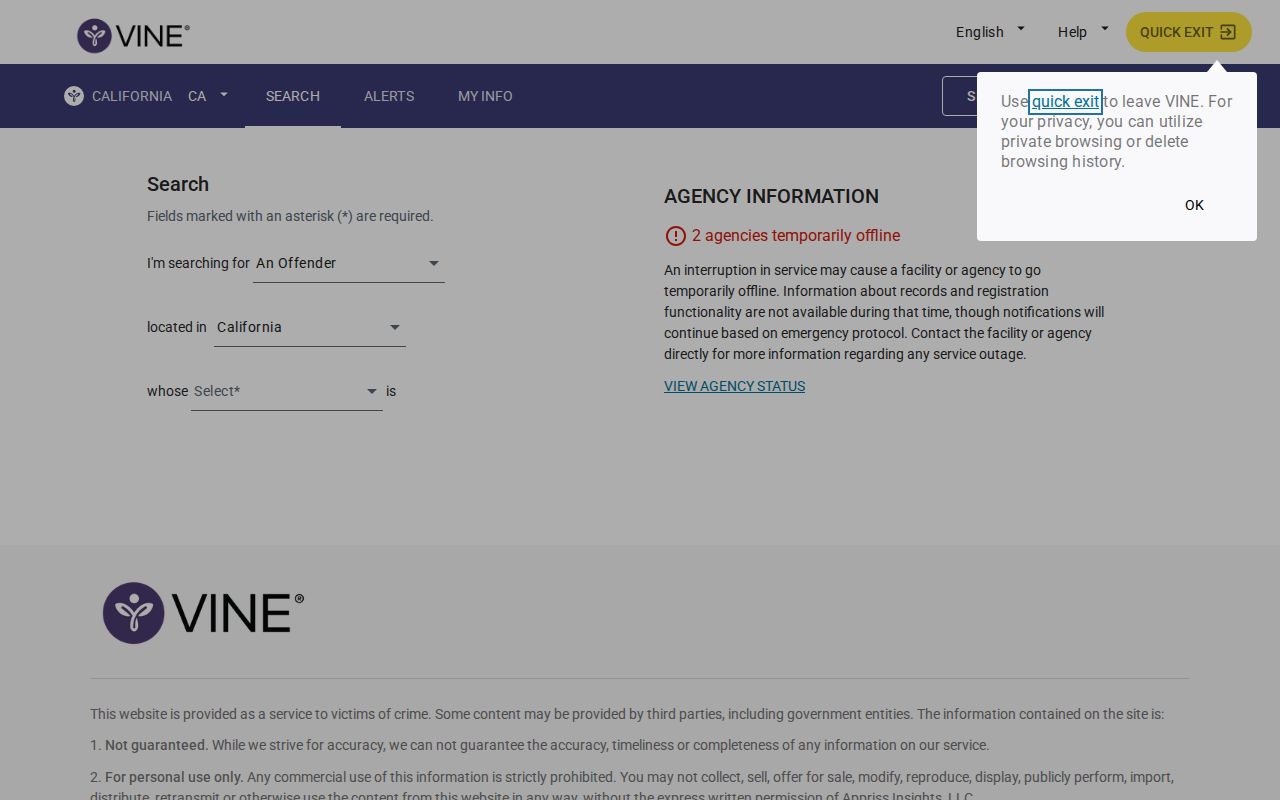
A result is only a custody-system match. Identity and case details still need verification through the county records contact.
Note: If the county is unknown, compare the California system choices and then verify the receiving jail before relying on a result.
What a California VINE Result Shows
What you see depends on the county feed. Status can read in custody, released, transferred, or another supported label. A result may list a facility, an agency, or an identifier. It never replaces the court docket.
| Result item | What to check |
|---|---|
| Name and identifier | Compare the name with an inmate, booking, or offender number if shown; avoid a name-only match. |
| County or agency | Shows which participating feed supplied the record, if displayed. |
| Facility or location | Indicates the reported custody location, but may lag a transfer. |
| Status or event | May show custody, release, transfer, escape, or return after escape as the service provides. |
| Alert controls | Let a user register for available notices; they do not change a court order or custody decision. |
A fresh county booking can lag behind the feed. The roster simply may not have reached VINE yet. A "released" label says nothing about what came next. When accuracy matters, compare the status with the jail or records unit.
Read every event label as a report from the connected custody system. A transfer moves the record somewhere new. It might land in a different facility or system entirely. Spotted a mismatch? Stop before enrolling for alerts, and verify the identifier, date, or location with the source agency.
How to Register for California Alerts
Confirm the right person first. Then VINE can offer a free, confidential alert. Phone, email, or text channels depend on the deployment, and a phone registration uses a four-digit PIN to confirm or manage the alert.
- Choose the alert link on the selected custody record and review which changes the county feed offers.
- Enter a phone number, email, or text destination shown by the live interface. Do not assume every county provides every channel.
- Create and keep the four-digit PIN for phone notices. Follow the on-screen confirmation steps and save any reference details.
- Use the listed telephone route, 877-411-5588, if calling is preferred. The current service page controls language, TTY, and access options.
The VINE alert-registration entry shows the current path into notice settings.
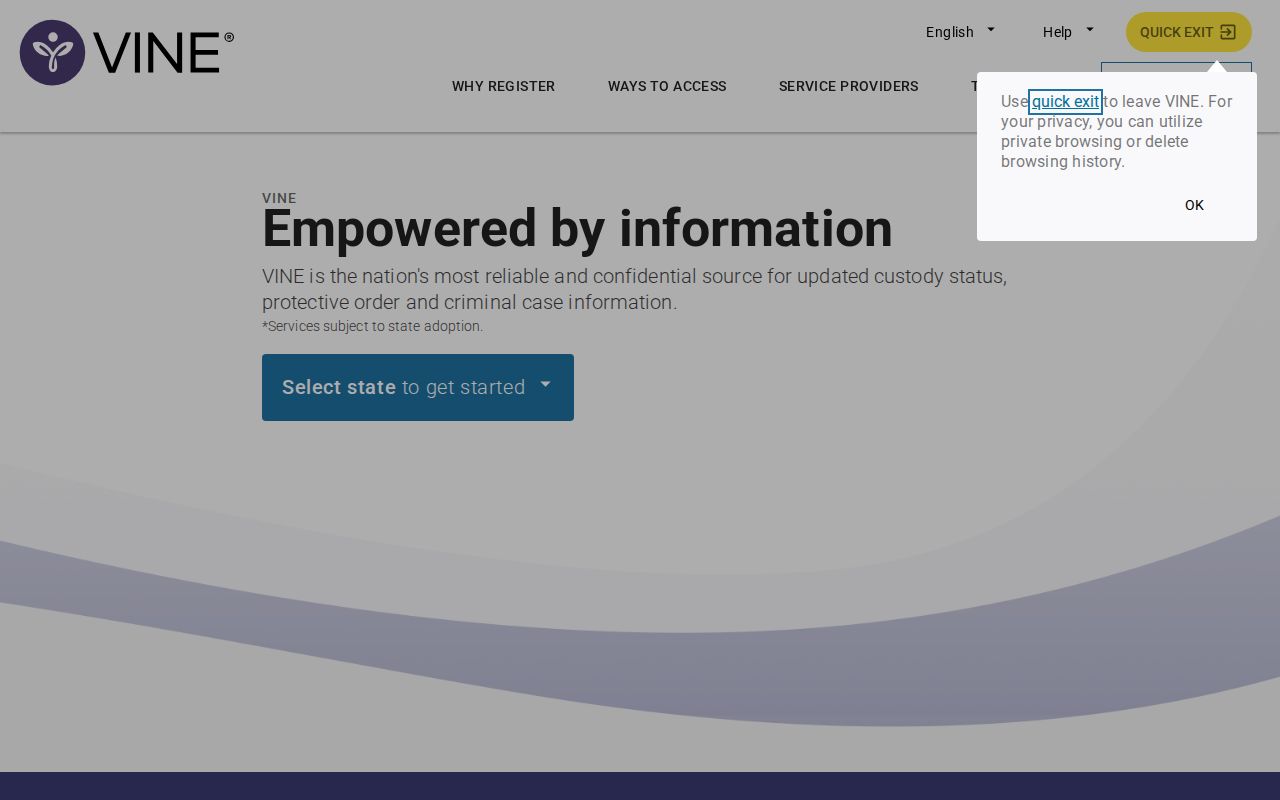
Register only after confirming the person and custody record. The PIN controls the alert; it is not an identity check performed by a court. California county materials describe phone alerts as free and confidential. A notice is not a safety plan, though. Nor is delivery guaranteed before a release or transfer. Immediate danger calls for emergency services.
Placer County's official explanation covers the California selection, the county and CDCR choices, and the telephone number 877-411-5588. Language, text, email, and accessibility options vary with the interface and deployment, so follow the live form rather than assuming every channel fits every California record.
California VINE Alerts and Rosters
Rosters and VINE alerts answer different questions. A roster shows the public view. It may list new bookings or current custody, depending on the county. VINE instead tracks one custody record you choose. It sends a notice when the participating feed reports a change. It will not list everyone arrested in California today. Nor does it keep full booking history. Use the county booking page for a fresh arrest. Use VINE when a known person's release, transfer, escape, or return matters. If the two sources disagree, compare the date and facility each one shows. Then call the jail. Registering with VINE changes nothing about release terms. It holds no one and notifies no court of a new case.
California's live screen offers a county route and a separate CDCR choice. That split matters after sentencing, when a person moves from county jail to state prison. The county VINE path may end just as the state-custody record begins. Select the system that matches the person's current placement.
CDCR Custody Alerts in California
California's VINE screen lists the California Department of Corrections and Rehabilitation as its own custody selection. That path tracks state prison. It is not a county arrest or jail roster. CDCR's Victim Services application is another official route for state-custody notifications. A county booking can come months or even years before a prison sentence. VINE does not decide when legal status changes.
For a sentenced person, CDCR's CIRIS search and Victim Services application answer separate questions. One locates a state custody profile. The other handles notifications. CIRIS promises no booking photo. A county jail image is not a CDCR offender photo. A CDCR profile, in turn, does not prove a recent California arrest.
Note: The CDCR option is a separate state-custody path; a county VINE result may not show a later prison placement.
Which California Counties Link to VINE
Dozens of California county systems connect to VINE. An official VINE link or route appears for: Alameda, Amador, Butte, Calaveras, Colusa, Contra Costa, Del Norte, El Dorado, Fresno, Imperial, Kings, Lake, Los Angeles, Marin, Mariposa, Mendocino, Merced, Monterey, Napa, Nevada, Placer, Riverside, Sacramento, San Benito, San Bernardino, San Diego, San Francisco, San Joaquin, San Luis Obispo, San Mateo, Santa Barbara, Santa Clara, Santa Cruz, Shasta, Sierra, Siskiyou, Solano, Sonoma, Stanislaus, Sutter, Tehama, Tulare, Tuolumne, Ventura, Yolo, and Yuba. A county link is not a completeness promise, though. Not every booking event reaches the live feed.
Some counties need a careful label. Alpine has no county jail. Its custody is contracted or routed through neighboring systems. Modoc links VINE and Trinity mentions it, yet neither posts a public roster. Sierra points to VINE while its jail custody is contracted through Nevada County. Del Norte's page directs users to California VINE without promising complete event coverage.
Then there is a second group. No dedicated current VINE county page appears for Alpine, Glenn, Humboldt, Inyo, Kern, Lassen, Madera, Modoc, Mono, Orange, or Plumas. That gap is not proof of nonparticipation. The live California deployment list is the current check. Pick the option that fits the custody question. When a result is missing, confirm with the local custodian.
California VINE Limits and Checks
VINE is a custody notice service. It is not a statewide arrest archive. It will not show every booking. Nor can it say whether charges were filed, or whether a case ended in dismissal, sealing, or conviction. Fresh intakes can lag, and someone released before the next feed may never appear. Juvenile and restricted records may be withheld. County pages can use a separate identifier. Refresh pace varies too.
When a recent arrest returns no result, try the receiving county's current roster or public-records contact first. Then contact the arresting agency if the county cannot locate the event. The statewide Arrested Today page explains which California county pages state a same-day window and where a records line becomes the fallback. For state-prison custody, CDCR's separate Victim Services application provides the notification route. A county VINE result and a CDCR notice are separate tracks, and neither is the federal Bureau of Prisons or ICE locator.
Do not lean on an automated alert for immediate safety; Placer County's official VINE explanation gives the same caution. Call 911 for an immediate threat. Use the local agency for urgent custody confirmation.
Note: VINE reports what a participating custody feed sends; the jail or correctional agency remains the source for a current status check.